
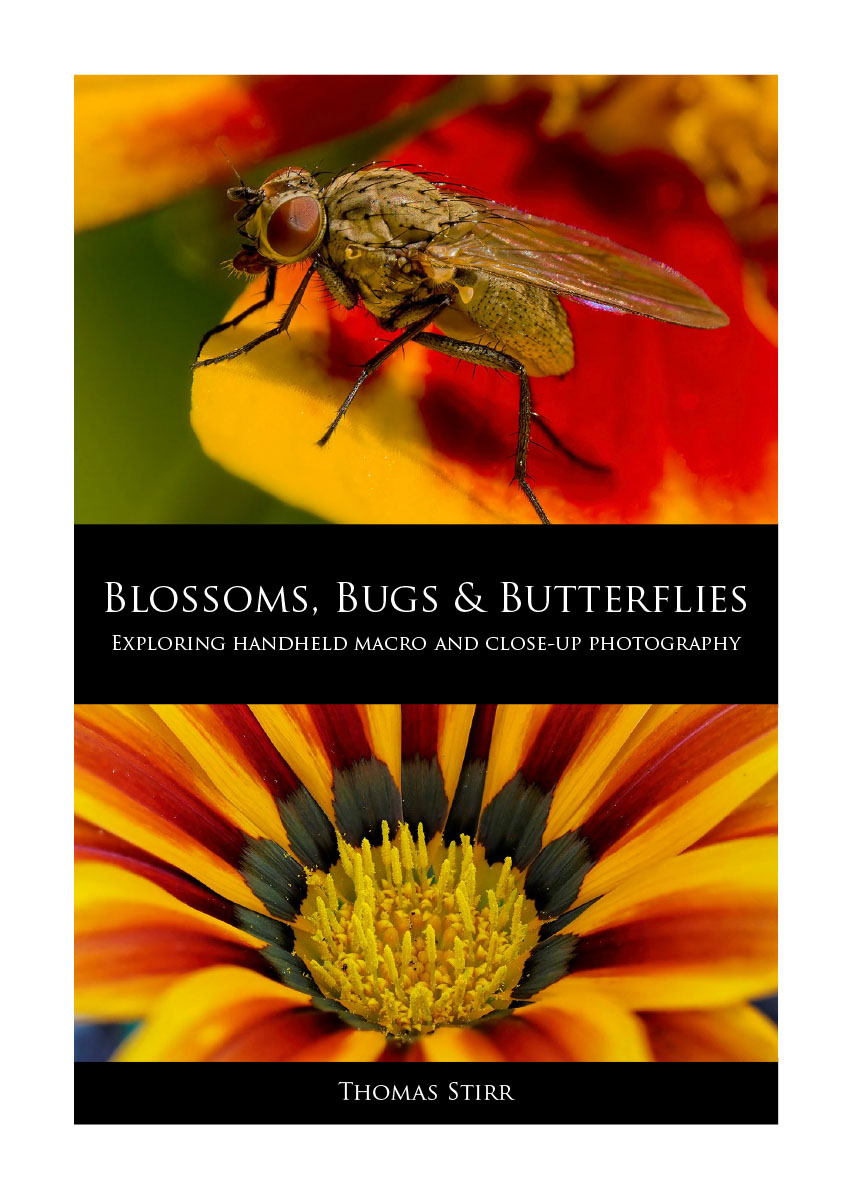
We are pleased to announce the publication of our newest eBook… Blossoms, Bugs & Butterflies: Exploring Handheld Macro and Close-Up Photography.
This 210 page eBook shares over 500 original handheld photographs and discusses a wide range of techniques and approaches that were used to photograph blossoms, bugs & butterflies.
NOTE: Click on images to enlarge. To view this article in a range of other languages click on the Canadian flag in the upper right corner.
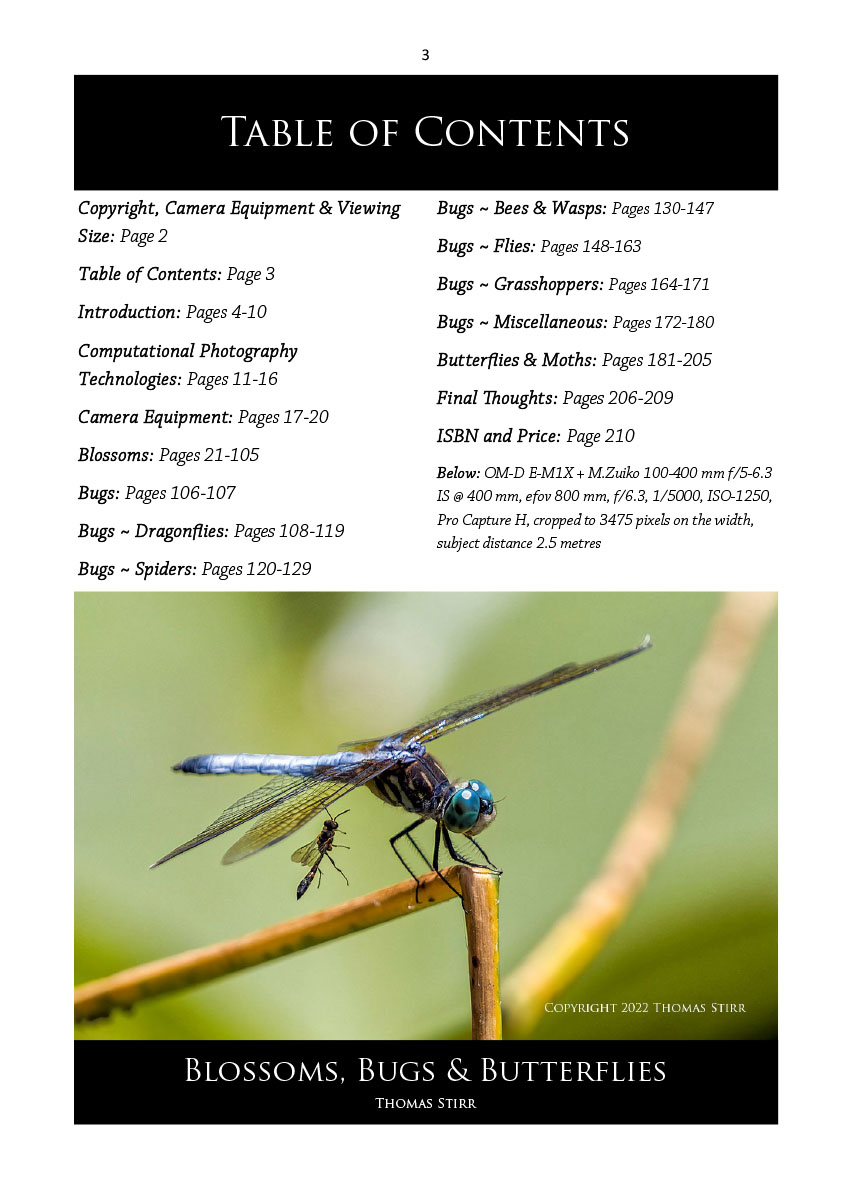
Blossoms, Bugs & Butterflies is divided into a number of sections as outlined in the Table of Contents.
 The eBook provides detailed EXIF data for each featured image so readers can get a good understanding on how each photograph was created.
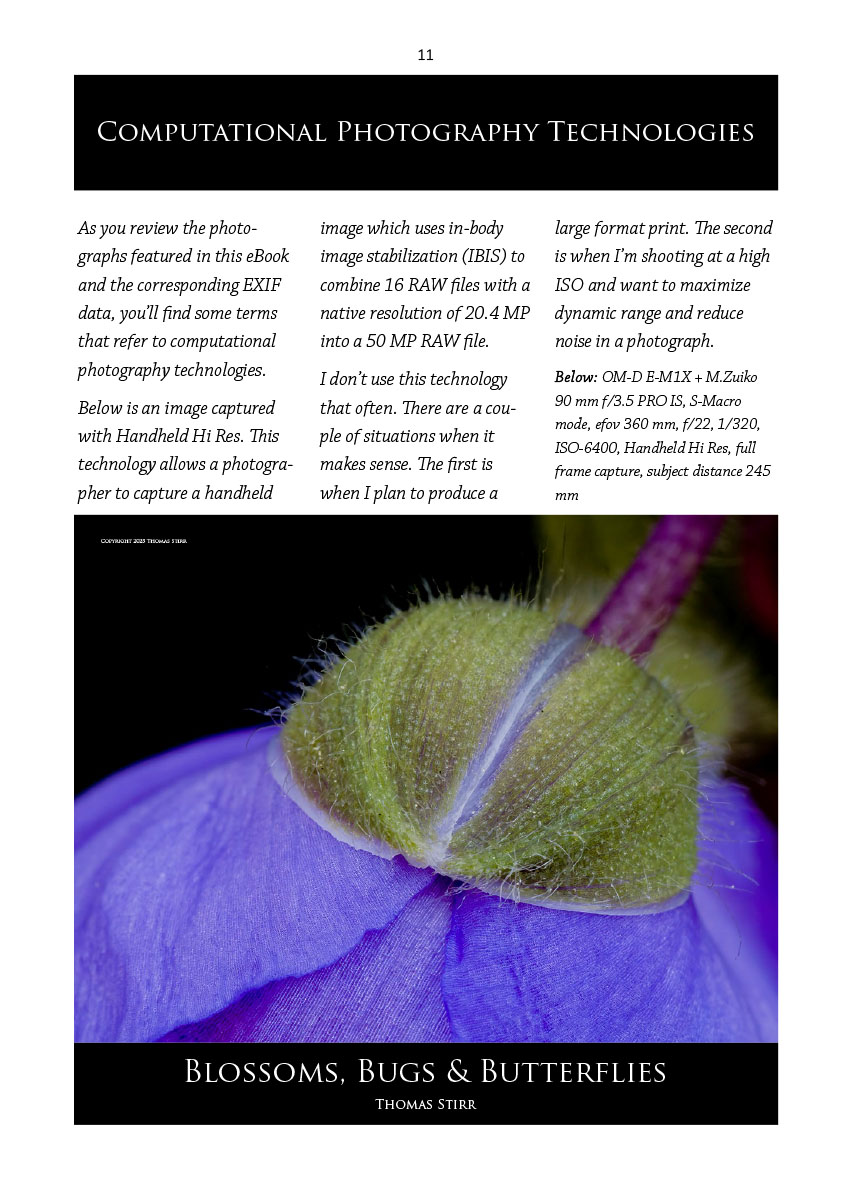
My macro and close-up photography regularly uses a range of computational photography technologies like Handheld In-Camera Focus Stacking. Handheld High Res. Digital Teleconverter. Pro Capture H. Handheld High Dynamic Range (HDR1). These technologies are discussed in the eBook and are noted in the EXIF data.
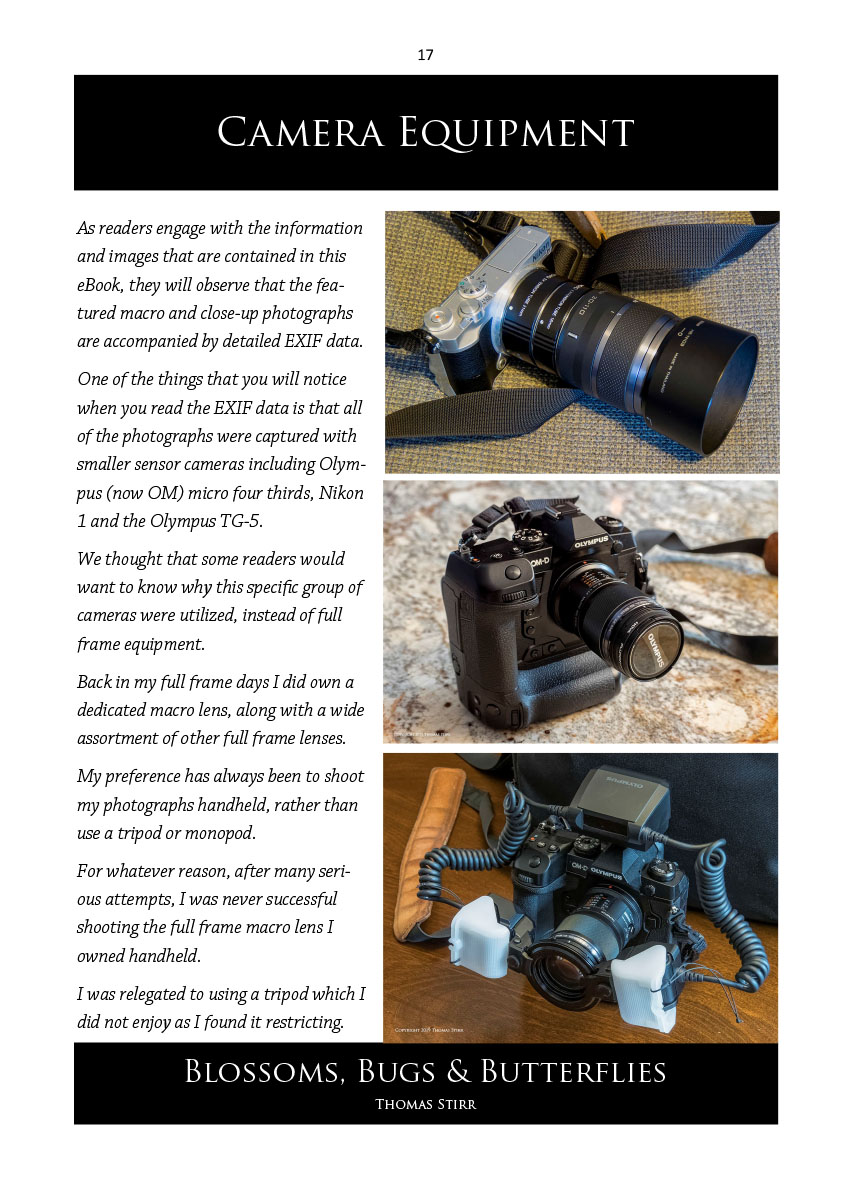
A range of camera gear including Olympus/OM M4/3, Nikon 1 and Olympus TG-5 Tough cameras were used to create the featured images. Camera bodies and lenses are noted in the EXIF data, as well as the corresponding camera settings for each image. A good selection of M.Zuiko lenses were also used for a variety of featured images.
Some of these lenses include 60 mm f/2.8 macro, 90 mm PRO IS f/3.5 macro, PRO IS 12-100 mm f/4, 100-400 mm f/5-6.3 IS zoom, 150-600 mm f/5-6.3 IS zoom, and even the 14-150 mm f/4-5.6 II zoom.
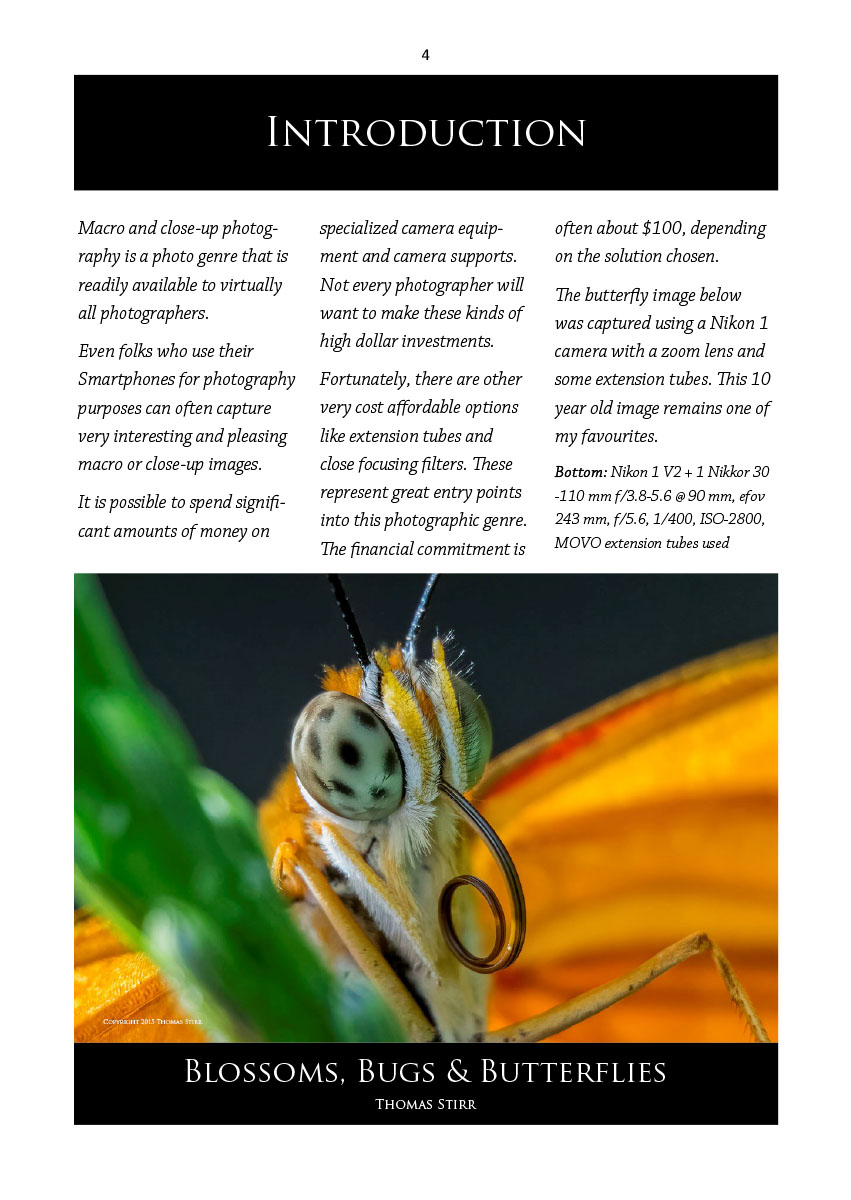
Blossoms, Bugs & Butterflies encourages readers to try their hand at macro and close-up photography using a range of camera equipment. We encourage readers to experiment with their camera gear. We do not promote any “must do” approaches… but rather encourage individual creativity.
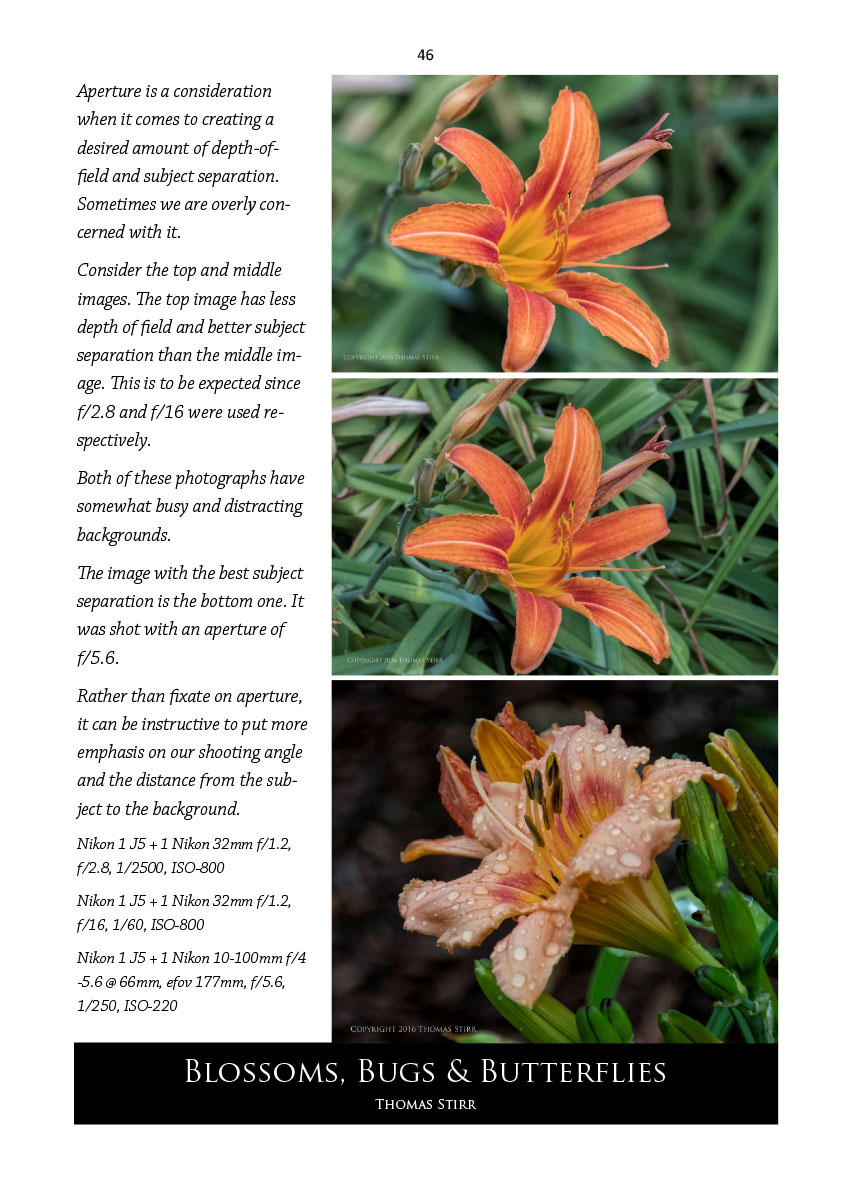
Blossoms, Bugs & Butterflies includes real-life examples of macro and close-up photography and provides some comparative illustrations to help folks consider a broad range of factors with their image making.
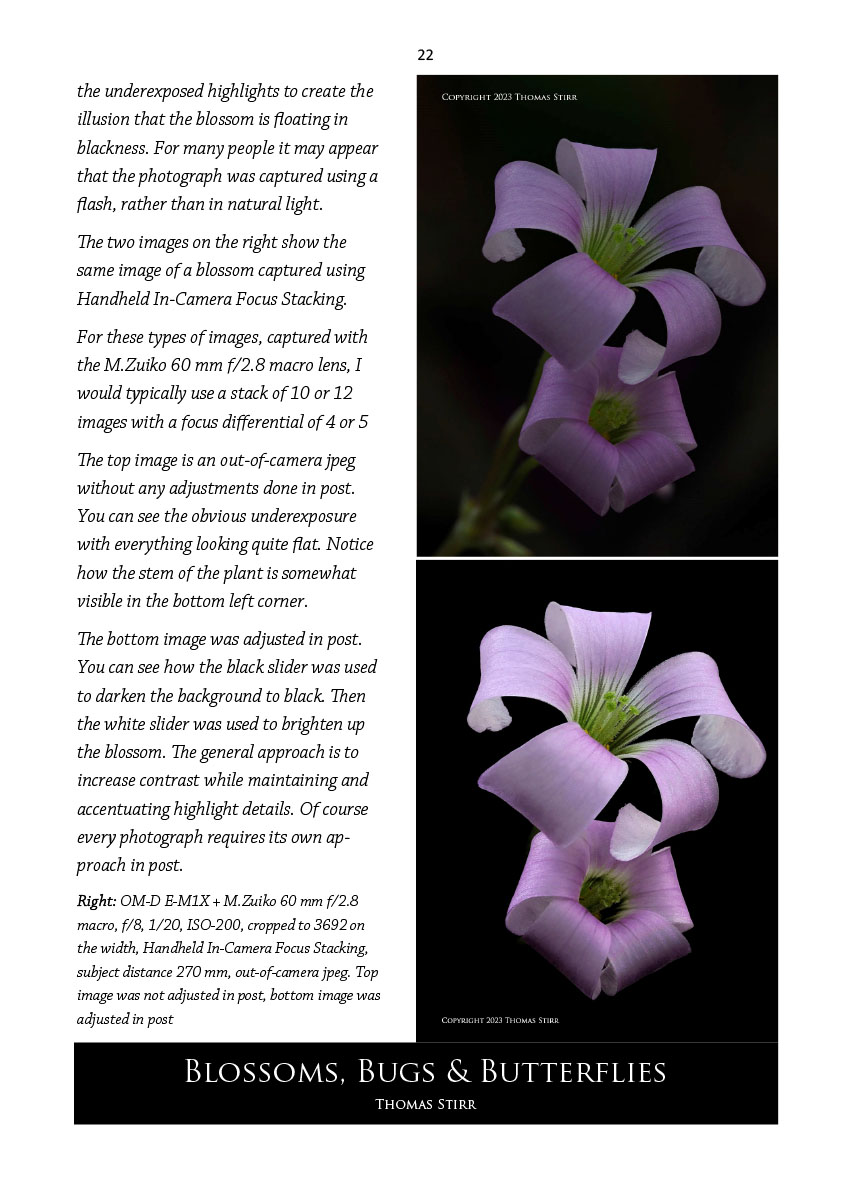
Since working in post is a highly personal experience we do not try to dictate any restrictive approaches, but rather provide a simple example for consideration.
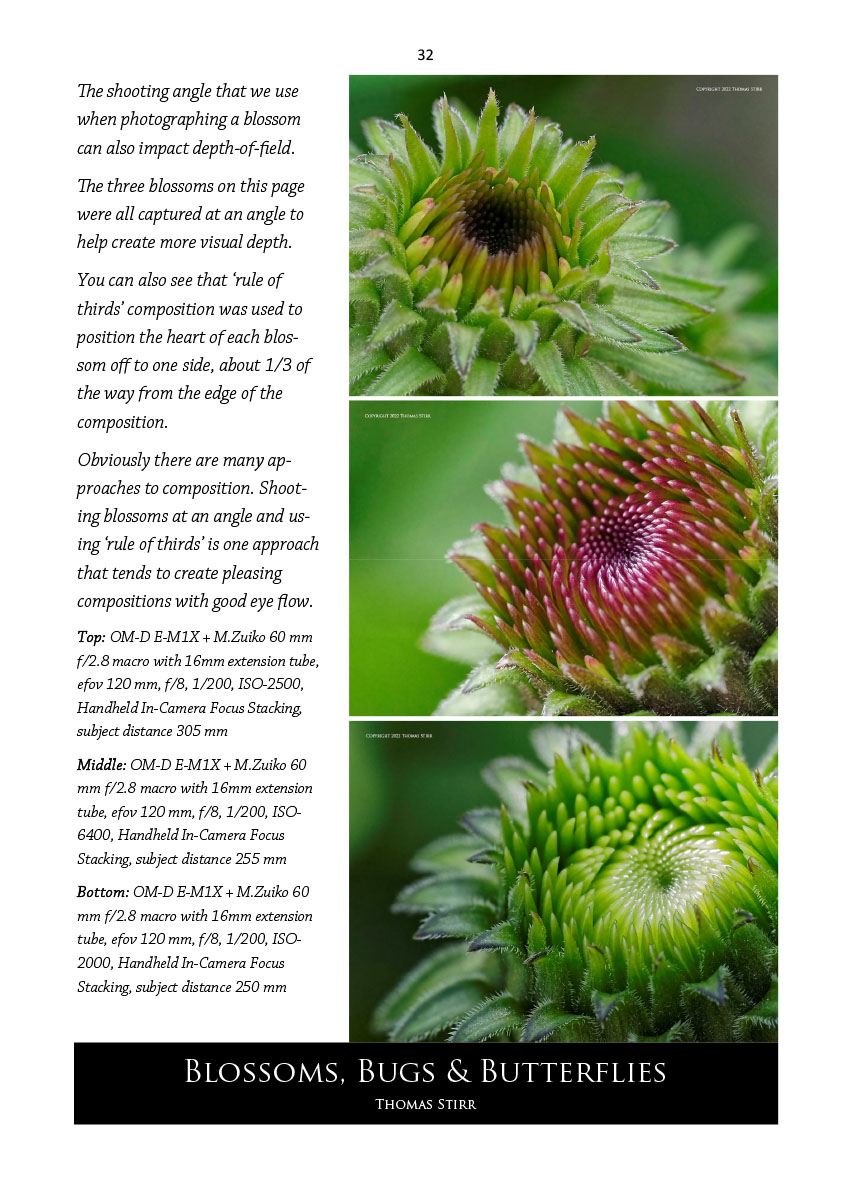
The eBook provides a wide range of tips on composition.
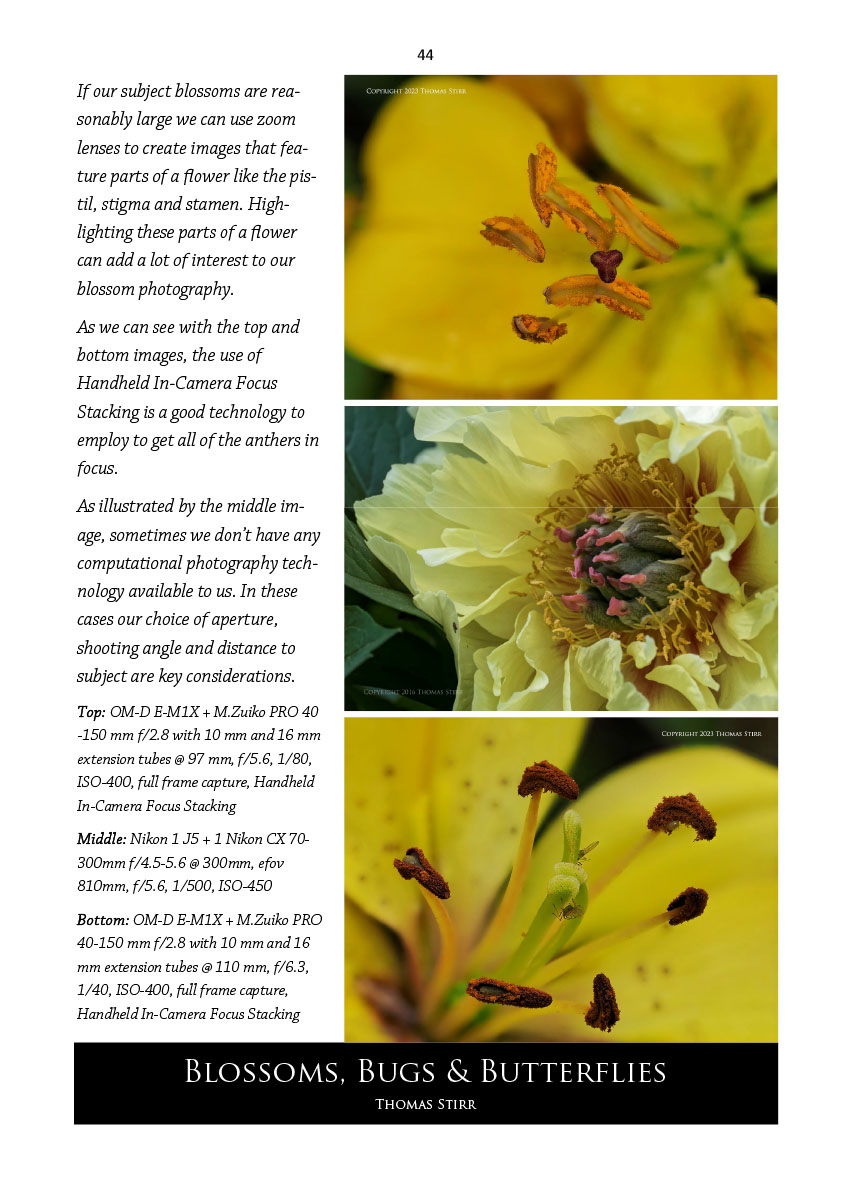
As well as illustrating approaches that can be used to capture macro and close-up images in specific situations.
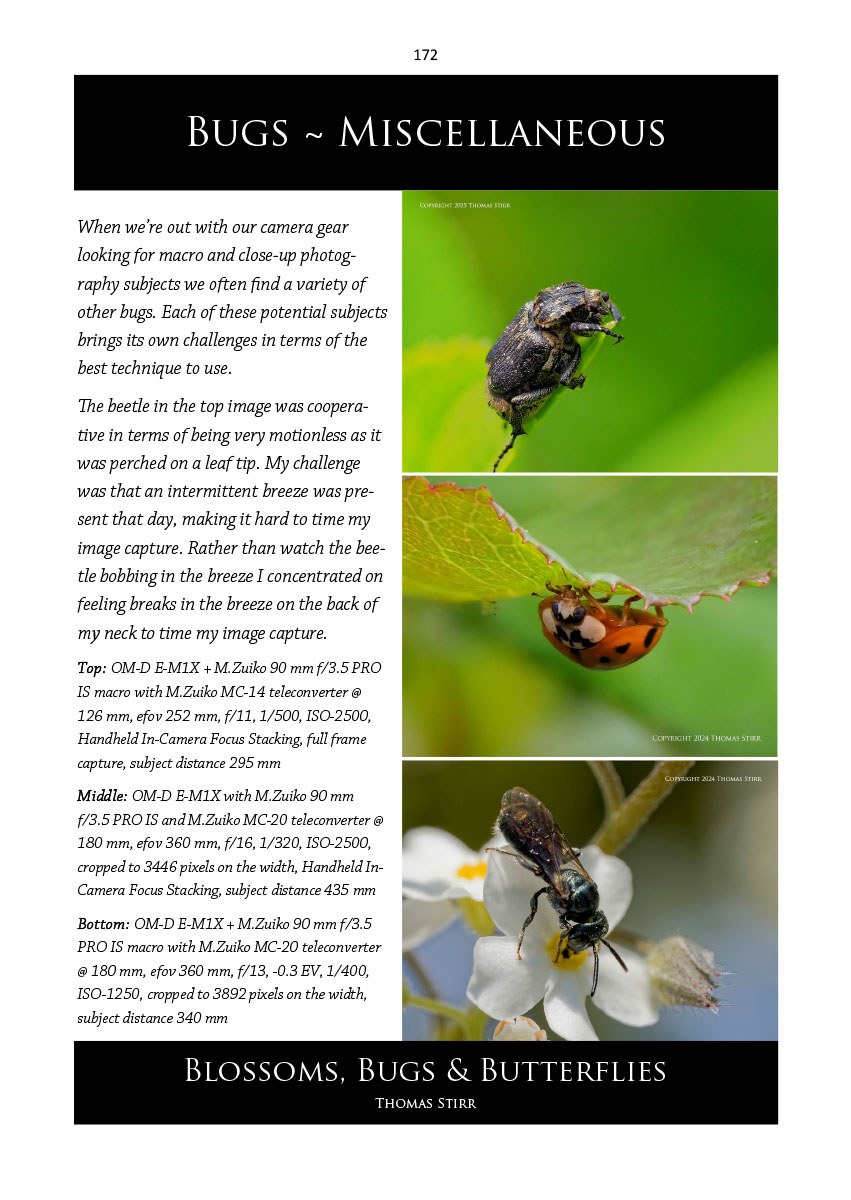
Where appropriate we provide some quick tips on field craft.
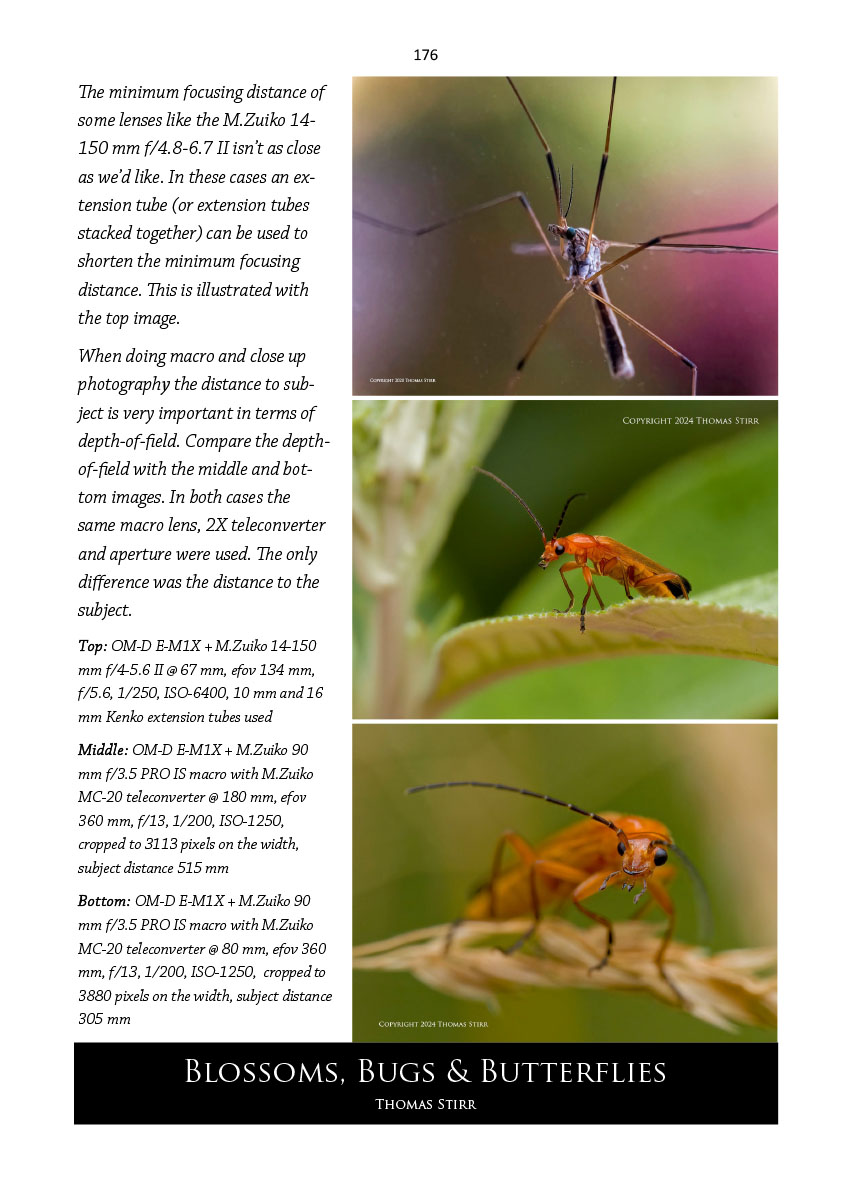
The use of teleconverters and extension tubes is also discussed and illustrated in Blossoms, Bugs & Butterflies.
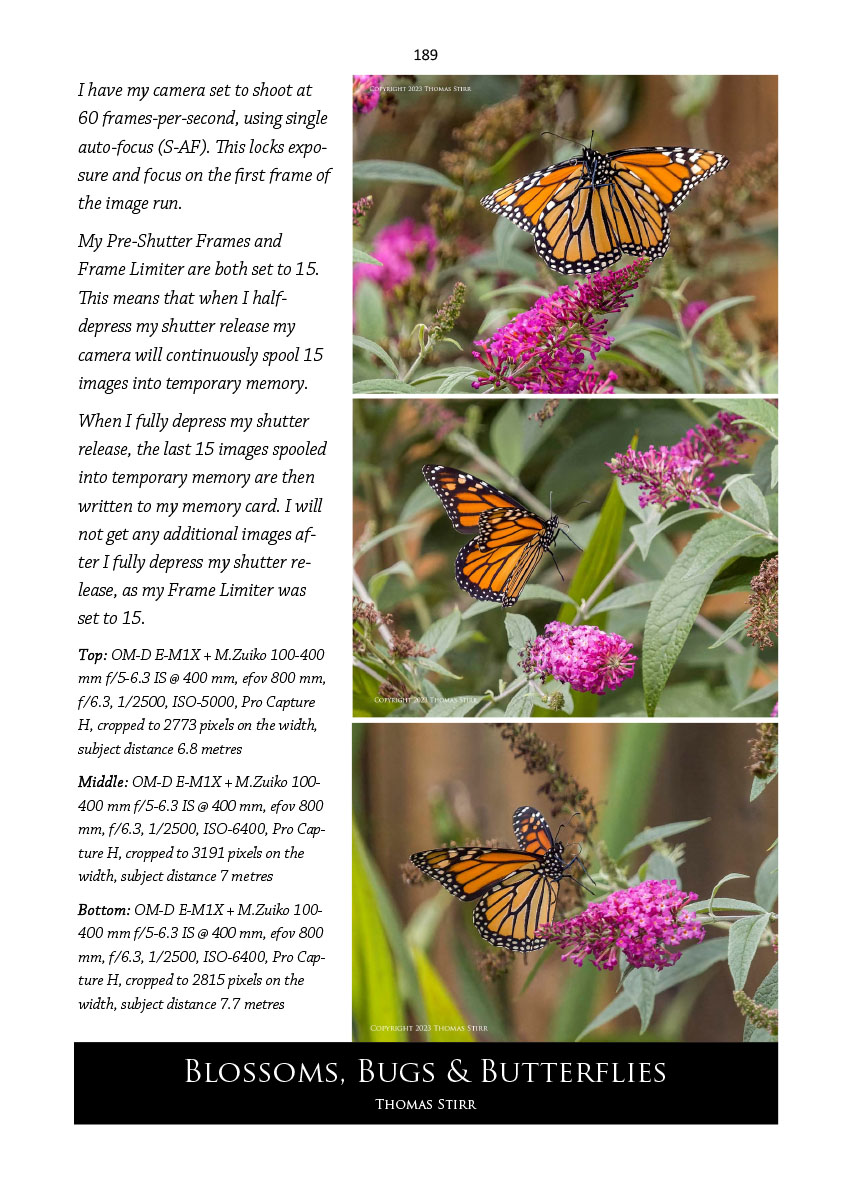
Folks who own and use Olympus/OM equipment will find some brand specific content that may be of particular interest, as seen in on page 189 above.
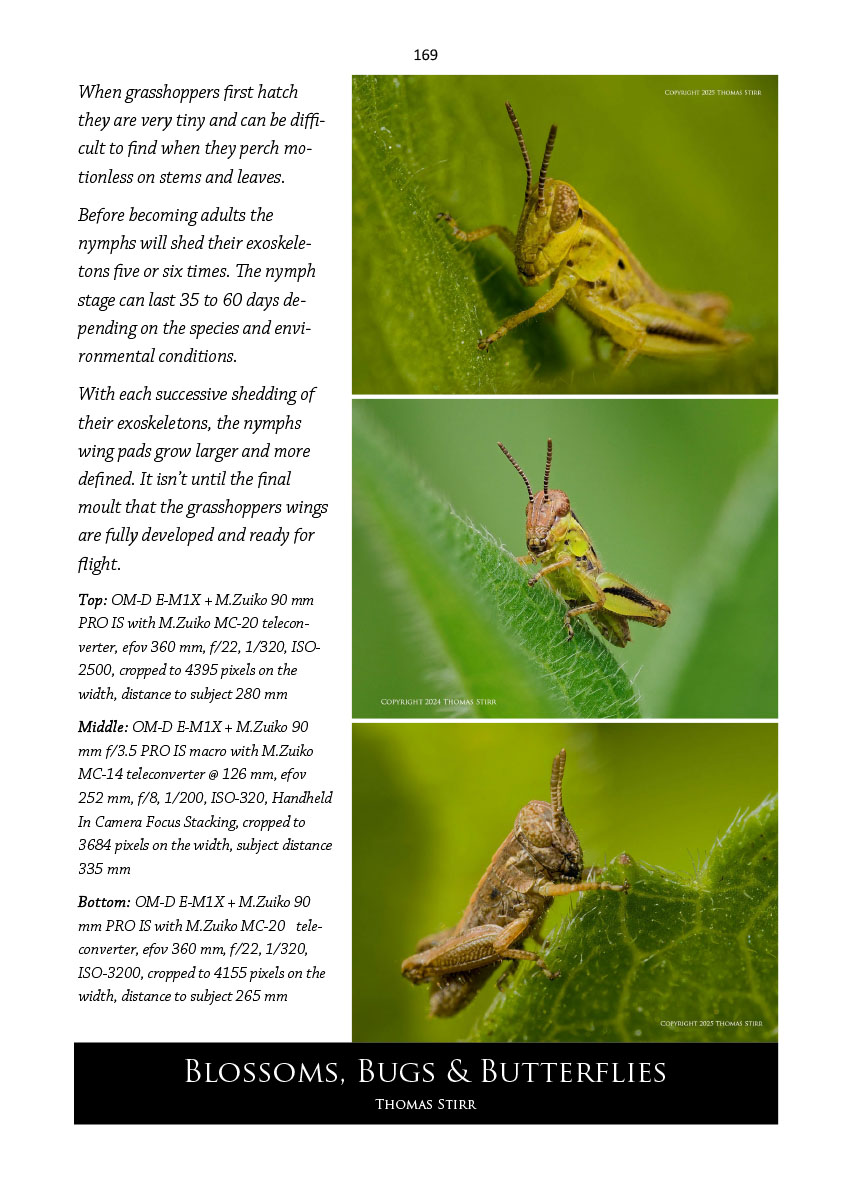
Some of the content areas contain subject specific information that may assist readers in their photographic journeys.
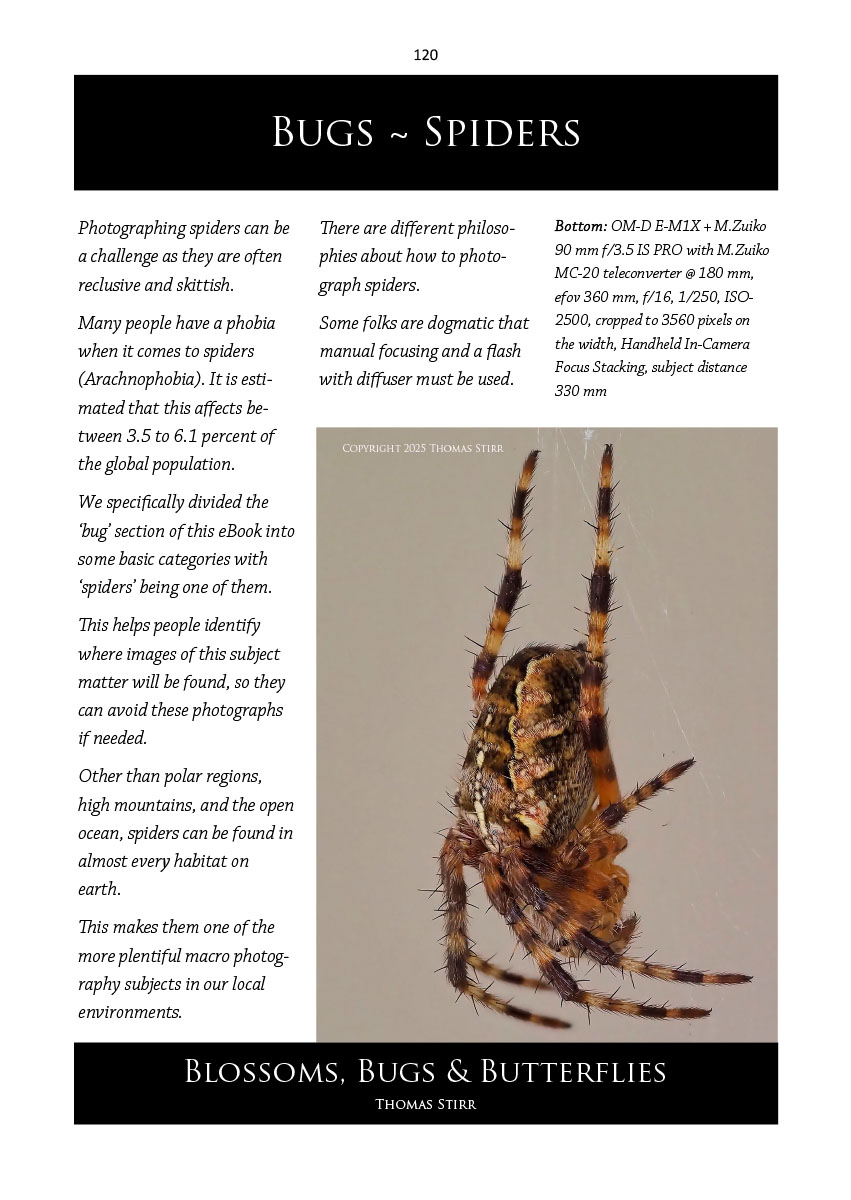
Appreciating that some folks may have specific aversions to certain subjects, the Table of Contents allows them to identify those situations in advance so they can limit their exposure.
Folks interested in purchasing a copy of Blossoms, Bugs & Butterflies for an investment of $14.99 CDN can use the purchase link above. Make sure you have at least 100,000 KB of open space on your computer or device. For the best viewing experience the eBook PDF should be viewed at 100%.
A Note about the Download Process
The download is a two-stage process. When you first click on the Buy Button you will be transferred to the PayPal site for you to make your payment. Once that is completed you will be redirected back to the website. You must wait for a minute or two after the PayPal logo has disappeared before you begin your download. There will be a pause for several minutes while the website prepares a personalized copy of the eBook you just purchased. This delay is normal. Do not click a second time as this will interrupt the creation of your personalized eBook. After a few minutes, the download will then begin. Your copy of the eBook you just purchased will require you to use a password which will be your email address that you used when purchasing the eBook.
Copyright Information
Blossoms, Bugs and Butterflies is Copyright 2026 Thomas Stirr. All of our eBooks are Copyright Thomas Stirr. Individual Copyright dates are noted for each eBook listed. All rights reserved. No part of any eBook may be reproduced, duplicated, stored in a retrieval system, or transmitted, in any form or by any means, electronic, mechanical, printing, photocopying, recording, or otherwise, without the prior written consent of Thomas Stirr. Purchasers of any individual eBook are granted the permission to read the eBook and view the graphics and images contained therein for their sole use only. All eBooks are published by Thomas Stirr.
Technical Note
Photographs were captured handheld using camera gear as noted in the EXIF data. All images were created from RAW files using my standard process in post. This is the 1,519 article published on this website since its original inception in 2015.
How you can keep this website advertising free
My intent is to keep this photography blog advertising free. If you enjoyed this article and/or my website and would like to support my work, you can purchase an eBook, or make a donation through PayPal (see Donate box below). Both are most appreciated.
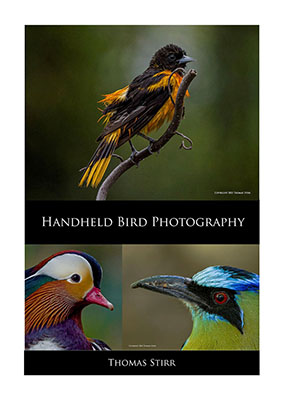
You may enjoy bird photography, and if so our 188 page eBook Handheld Bird Photography may be of interest. It is available for download for an investment of $14.99 CDN. The best viewing experience of this eBook will be at 100% using Adobe Acrobat Reader.
Sometimes all we need as photographers is a bit of inspiration. We hope you can find some of that inside Finding Visual Expression II.

Finding Visual Expression II is available for download for an investment of $11.99 CDN. The best viewing experience of this eBook will be at 100% using Adobe Acrobat Reader.
You may be interested in all of the 30 concepts covered in both of these related eBooks. If so, you may want to also consider Finding Visual Expression.

Finding Visual Expression is available for download for an investment of $11.99 Cdn. The best viewing experience of this eBook will be at 100% using Adobe Acrobat Reader.
Our other eBooks include Images of Ireland, New Zealand Tip-to-Tip, Nikon 1: The Little Camera That Could, Desert & Mountain Memories, Images of Greece, Nova Scotia Photography Tour, and a business leadership parable… Balancing Eggs.
If you click on the Donate button below you will find that there are three donation options: $7.50, $10.00 and $20.00. All are in Canadian funds. Plus, you can choose a different amount if you want. You can also increase your donation amount to help offset our costs associated with accepting your donation through PayPal. An ongoing, monthly contribution to support our work can also be done through the PayPal Donate button below.
You can make your donation through your PayPal account, or by using a number of credit card options.
Word of mouth is the best form of endorsement. If you like our website please let your friends and associates know about our work. Linking to this site or to specific articles is allowed with proper acknowledgement. Reproducing articles, or any of the images contained in them, on another website or in any social media posting is a Copyright infringement.
Article is Copyright 2026 Thomas Stirr. Images are Copyright 2014-2025 Thomas Stirr. All rights reserved. No use, duplication or adaptation of any kind is allowed without written consent. If you see this article reproduced anywhere else it is an unauthorized and illegal use. Posting comments on offending websites and calling out individuals who steal intellectual property is always appreciated!
Tom, I know your primary focus is on camera technique and results , and that is very refreshing. Would it be possible to tell us what RAW image development software you use. Personally I’m not interested in pointless comparisons, I’d just like like to know what use.
Hi Lyndon,
I use a combination of software programs… all of which are out-of-date. I should mention that I dislike working in post so I spend as little time as possible with my images… typically no more than 3-4 minutes including computer processing time.
I start my process by running my RAW files or out-of-camera jpegs through DxO PhotoLab 7. I have custom set-ups in that software that are camera body/lens specific… and sometimes vary by subject matter. I use the automatic camera/lens DxO corrections, and make some very basic adjustments in DxO after that as needed by specific files. All of my files get an initial noise clean up in DxO with a max setting of 15. I also use the DxO Smart Lighting (spot adjustment) with all of my files. I then export a DNG file into a very old copy of PhotoShop (CS6).
I do some basic slider adjustments in CS6 as needed and sometimes use adjustments like Levels or Curves.
If needed I will use some specific adjustments in the Nik Collection. For example, an image may need a Pro Contrast adjustment. I have Nik set up as a plug-in to CS6 so I can get in and out very quickly.
I finish my files using Topaz DeNoise AI and/or Topaz Sharpen AI as needed. Both of these are set up as plug-ins to CS6.
I know this may sound a bit complicated, but it is actually very quick to move from one program to another. I do my best to get my images right in camera so I don’t have to spend too much time in post.
Tom
Thanks Tom. I’m quite pleased actually as DXO Photolab is my preferred software too. Tried the rest and this still comes out on top in my opinion, along with Affinity Photo 2, especially for M4T 👍 It also goes to show that you don’t need the most upto date sw to create a very respectable image. Excellent work may I say.